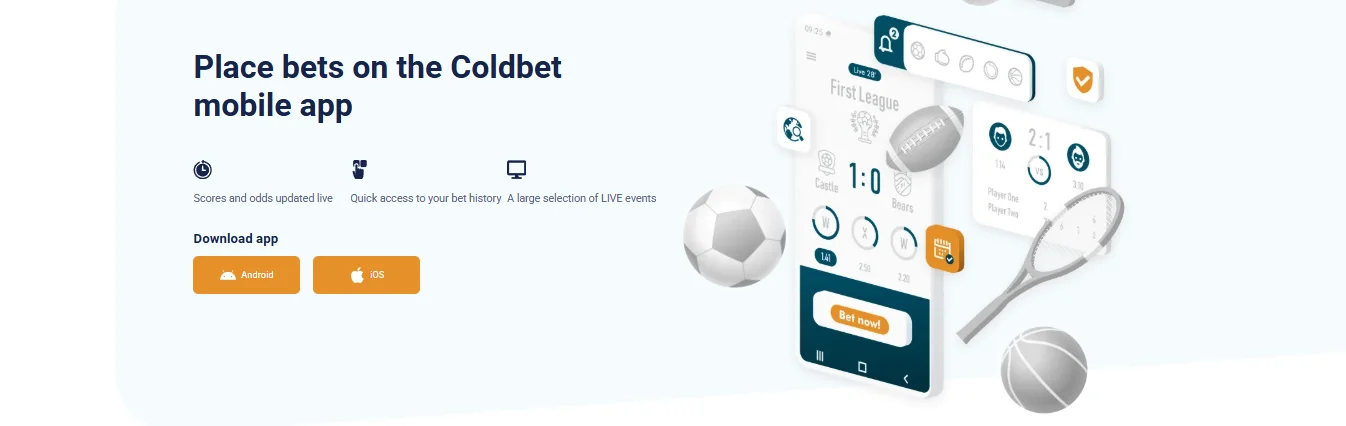
The Coldbet app is the fastest way to use the platform on mobile — faster than the mobile website, lighter on data, and with biometric login plus push notifications for bet settlements. The install routes differ between Android and iOS because of how the two stores treat real-money gambling, but neither is complicated. This guide walks through both.
Why the Coldbet app isn't on Google Play or the App Store
Google and Apple restrict real-money gambling apps to a handful of licensed markets. Canada is not on either platform's default list for international casino and sportsbook apps, and Coldbet's international license sits outside the narrow scope of operators either store lists. The workaround is what most global operators use: Android distributes the APK directly through the brand's website, and iOS distributes via TestFlight, Apple's official beta-testing channel which does not have the same gambling restrictions as the App Store proper.
The important takeaway: an APK downloaded from the official Coldbet site is the genuine app. Avoid third-party APK mirrors — those may bundle modified code and should never be trusted for a gambling account with real funds attached.
How to download the Coldbet APK on Android
- Open the Coldbet mobile page. On your Android phone, visit the official Coldbet website and look for the download banner or the "Download app" CTA in the main navigation.
- Tap the Android button. The APK (usually around 30 MB) starts downloading to your phone's Downloads folder. On some browsers you will see a warning about downloading executable files — this is a generic browser warning, not an issue with the app.
- Approve "Install unknown apps". Android blocks sideloaded installs by default. When you tap the downloaded APK, the system prompts you to enable "Install unknown apps" for whichever browser you used. Tap Settings, toggle the permission on, then return to the install screen.
- Tap Install. Installation takes about 30 seconds. The Coldbet icon appears on your home screen when finished.
- Open the app and sign in. First launch prompts for email/ID and password. You can then enable fingerprint login in app settings for one-tap access.
Android system requirements
Android 7.0 (Nougat) or newer, 2 GB RAM minimum, 100 MB of free storage for the app plus cache. The app has been tested on Samsung Galaxy, Google Pixel, OnePlus, Xiaomi and stock Android builds from the last five years.
Updating the Android app
Because the app isn't on Google Play, it doesn't auto-update through the store. Instead, the app itself checks for new versions at startup. When a new build is available, a prompt asks if you want to download it. Tap Update, approve the install, and the new version replaces the old one — your login, balance and preferences are preserved.
How to install the Coldbet app on iPhone (iOS)
- Install TestFlight. If you don't already have it, download Apple's TestFlight app from the App Store. This is Apple's official beta-testing tool — completely free and safe.
- Open the Coldbet iOS page. On your iPhone, visit the official Coldbet site. Tap the iOS download button, which redirects to a TestFlight invitation page.
- Accept the invitation. Tap "Accept" in TestFlight. The Coldbet app will appear in your TestFlight library.
- Tap Install. TestFlight downloads the Coldbet app to your home screen. This takes less than a minute on a typical connection.
- Open and sign in. Launch Coldbet from your home screen. Sign in with your email and password, then enable Face ID in app settings for faster future logins.
iOS system requirements
iOS 14.0 or newer, iPhone 6s or later. TestFlight itself requires iOS 14.0+. If you are running anything older, update your iOS before attempting to install.
TestFlight quirks to know about
TestFlight builds have a 90-day expiration by design. Coldbet refreshes its TestFlight build well before expiry, but you may occasionally see an "Expired" message on the app icon — just open TestFlight and tap Update to get the new version. You cannot install the Coldbet TestFlight app with a shared or managed Apple ID that has restrictions on beta apps.
What the Coldbet app includes
Full casino library
All 6,000+ slots, live casino tables, in-house instant games and table games. Lobby filters, search and favourites sync with your desktop account.
Complete sportsbook
Pre-match and in-play for every sport on the site — NHL, NBA, NFL, MLB, UEFA football, tennis majors, UFC, esports. Cashout, bet builder and accumulator tools included.
Live scores & odds
Real-time updates on the events you follow. Push notifications fire when odds move in your direction or when a bet you placed settles.
Biometric login
Face ID on iPhone, fingerprint on Android. Enable after first login — significantly faster than typing a password each time.
Deposits & withdrawals
Every payment method supported on desktop is available in-app, including card, e-wallet and crypto. Apple Pay and Google Pay work where applicable.
Exclusive free bet
The "place 10 bets, get a free bet" promotion is only available in the app. Up to 10 EUR free bet, 72-hour validity. Full terms on our bonus page.
The app-only free bet — a small reason to install
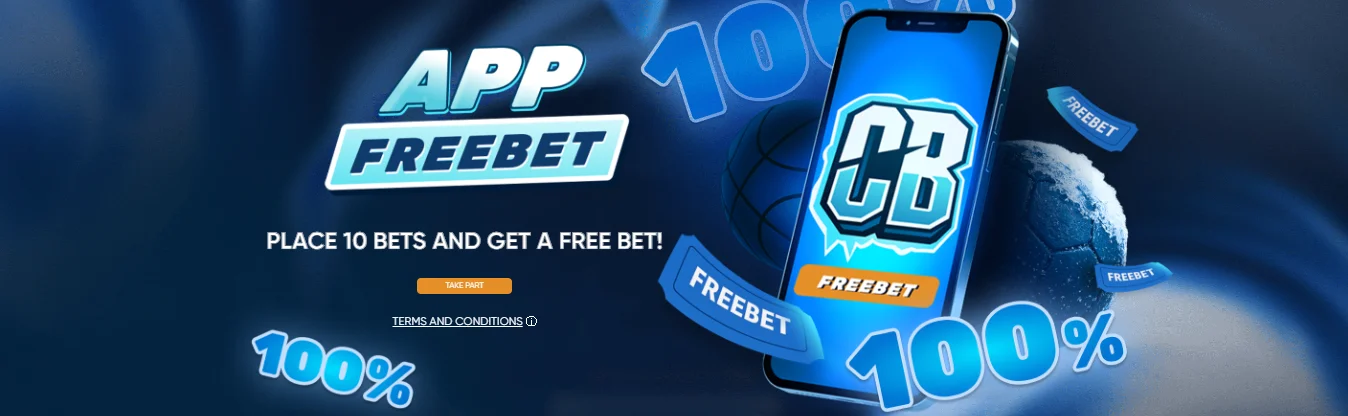
One of the best reasons to install the Coldbet app specifically is the exclusive mobile free bet promotion. Place 10 qualifying bets of at least 1 EUR each through the app, and Coldbet credits you a free bet worth the average stake of those 10 bets, capped at 10 EUR. Singles qualify at odds 1.4+, accumulators at 1.3+ per leg.
The free bet itself has to be used in a 4+ leg accumulator at odds 1.4+ per selection, within 72 hours of crediting. Handicap and total markets don't qualify. One redemption per account, family and IP. Running through 21.06.2026. This is the closest thing Coldbet has to a no deposit offer — we cover it in more detail on the Coldbet no deposit bonus page.
App vs mobile website — which should you use?
The app is better for most regular users. It loads faster, uses less data, keeps you logged in, sends push notifications for settlements, and unlocks the mobile-only free bet. The mobile website is a better fit if you are on a device you can't or won't install software on (work phone, rented iPad, someone else's Android), or if you are worried about storage on an older phone. The mobile site has feature parity with the app for all core actions — deposit, bet, play, withdraw.
There is no performance penalty on the desktop web build either if you use Coldbet primarily from a laptop. The app is a mobile-specific optimization rather than a required install. Many of our regulars use desktop web for casino and the app for sports-only, since live betting and cashout decisions benefit most from the app's push notifications.
Coldbet app FAQ
Is the Coldbet app on Google Play or the App Store?
No. Coldbet is not available on Google Play or the Apple App Store because of store policies on real-money gambling apps in most regions. Android users install an APK directly from the Coldbet website. iPhone users access the app through Apple's TestFlight platform using an invitation code.
How do I download the Coldbet APK on Android?
Open the official Coldbet website, navigate to the mobile app page and tap the Android download button. Save the APK file to your phone, open it, and approve the "Install unknown apps" permission for your browser when prompted. The app installs in under a minute.
Is the Coldbet app safe to install?
The APK downloaded directly from the official Coldbet site is the legitimate app. Avoid third-party APK mirrors — those may bundle modified code. On iPhone, TestFlight is Apple's own beta distribution system and is considered safe.
What features does the Coldbet app include?
The Coldbet app supports the full casino library, live casino, sportsbook, esports, in-house games, deposits and withdrawals, Face ID or fingerprint login, live score tracking and push notifications for bet settlement. The app-only free bet promotion is exclusive to mobile.
Does the Coldbet app work on iPad and Android tablets?
The iOS app runs on iPad through TestFlight with the same functionality as the iPhone build. The Android APK installs on tablets but the UI is optimized for phone-size screens. For large-screen play, the mobile-responsive website in a browser is usually a cleaner experience.